Accessibility Checker
How to use the Accessibility Checker
Written By Lukas Pavelka
Last updated 22 days ago
The feature coming from the 6.1 version is the ability to check your selected screen if follows best practices of Power Apps low-code development.
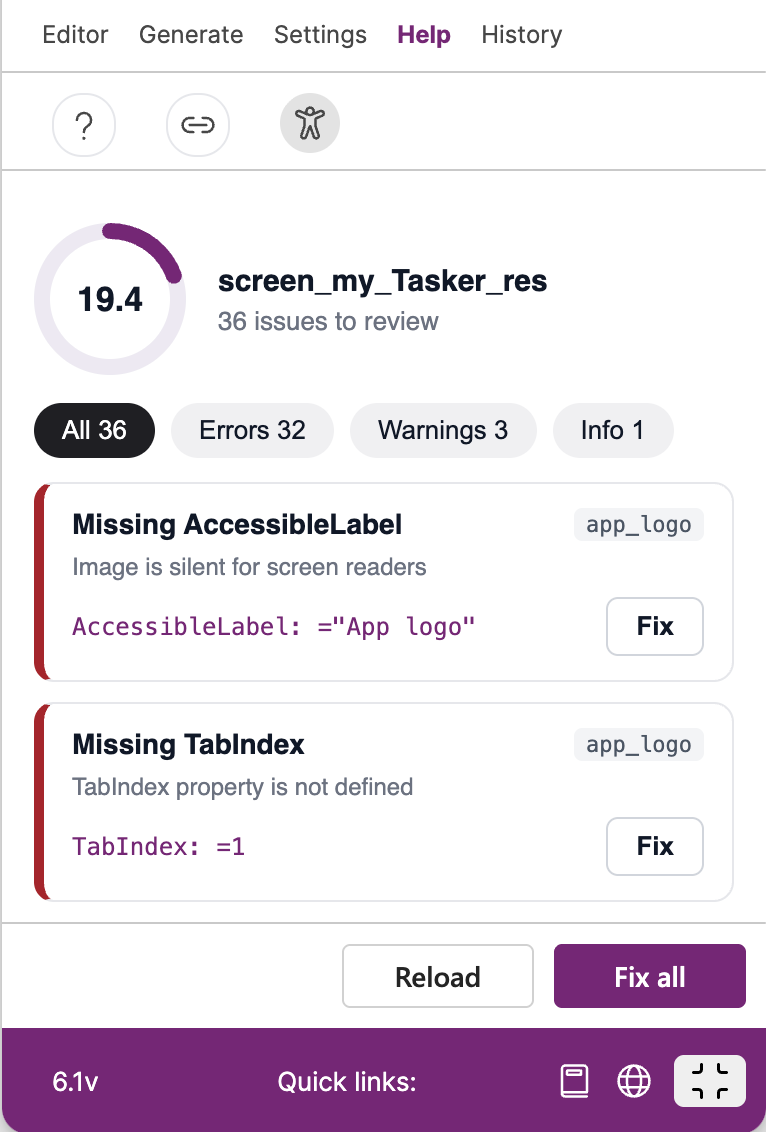
How to check accessibility of your screen
There is only one rule to follow. Select a screen and the plugin checks all errors, warnings, and information improvements.
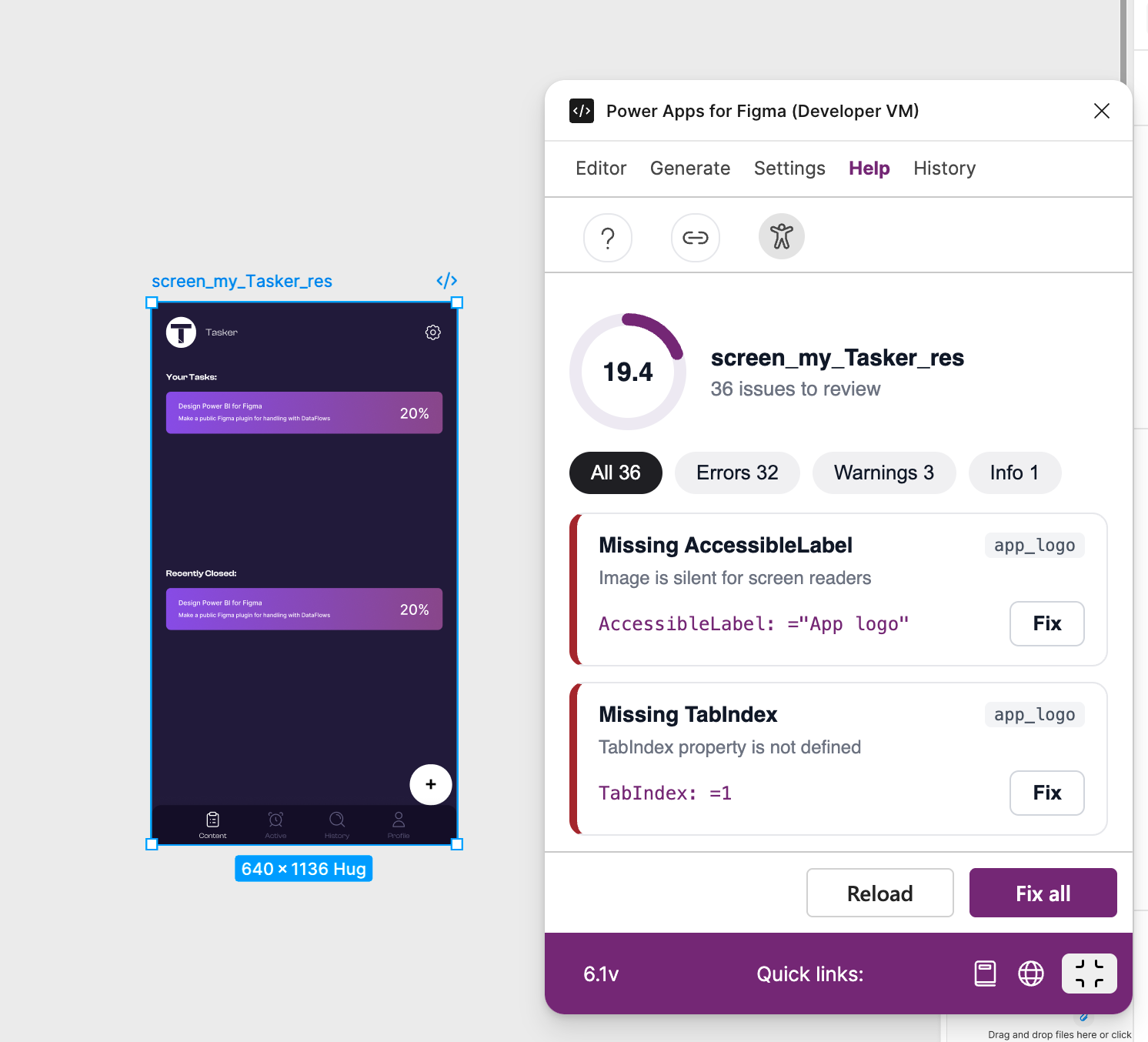
The accessibility checker controls the following:
Errors - missing accessible labels, and TabIndex
Warnings - improvements of contrasts
Infos - improvements of poor naming of your layers and invalid control name
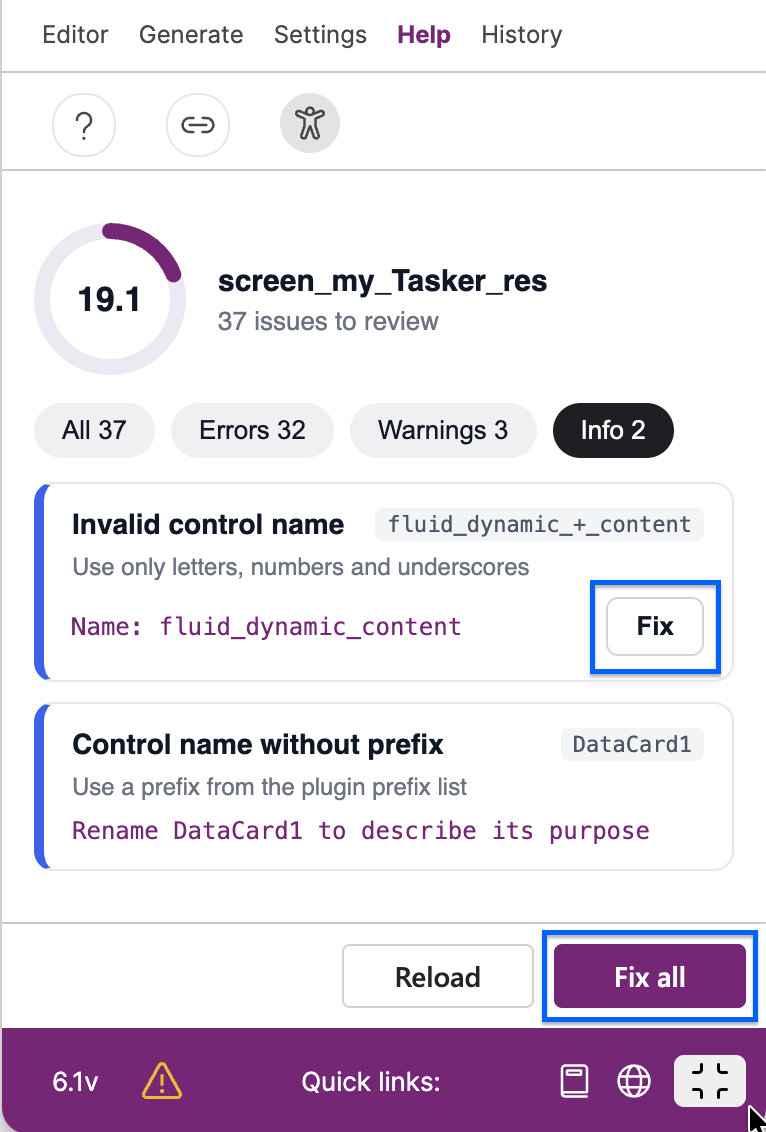
The feature accepts these actions:
Fix - fixing of the particular error, warning, or info
Fix all - fixing of all errors, warnings, and infos for selected screen
Was this helpful?
Still need help? Ask the team