Style Manager
How to manipulate with design tokens
Written By Lukas Pavelka
Last updated About 1 month ago
The Feature is available in the PRO version
Thanks to this feature you can save your favourite colours, typographies, or spacings as a style to the local storage.
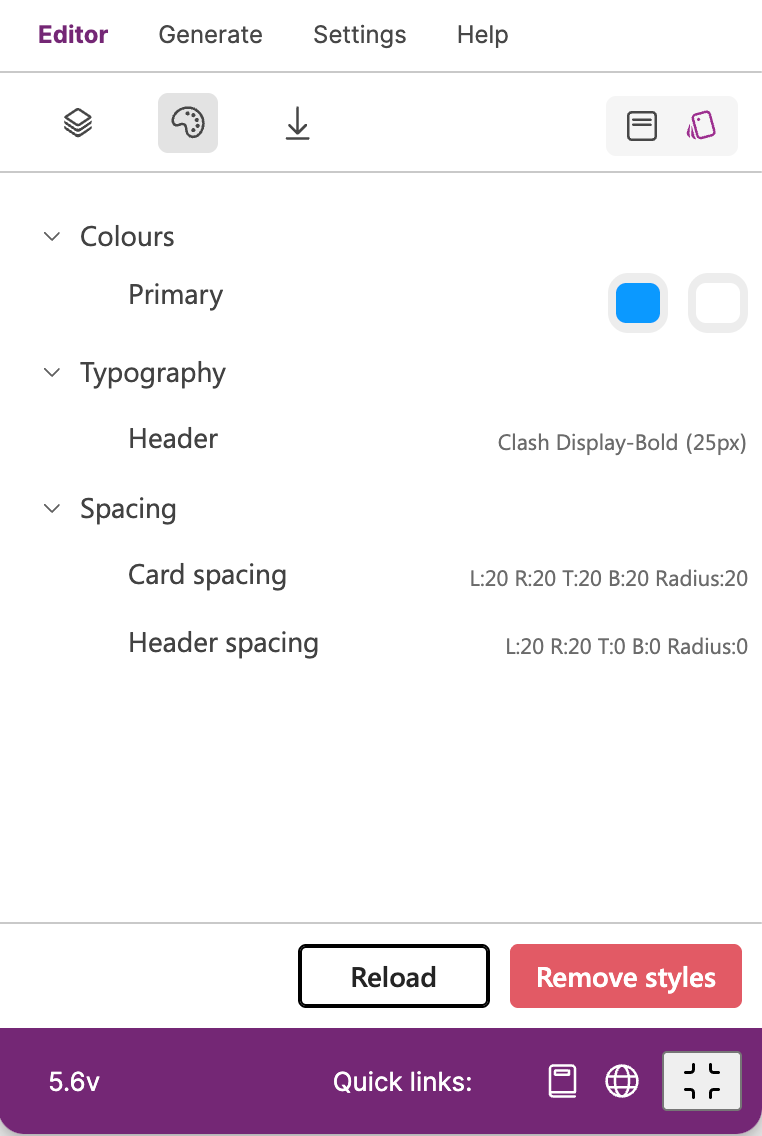
Clicking on the “+“ button you can add a new style, where you can specify particular value and name of a token.
When you save your token, you will not be able to change the name in edit popup. If you need change a name, remove the style and re-create it again.
Add Colour token
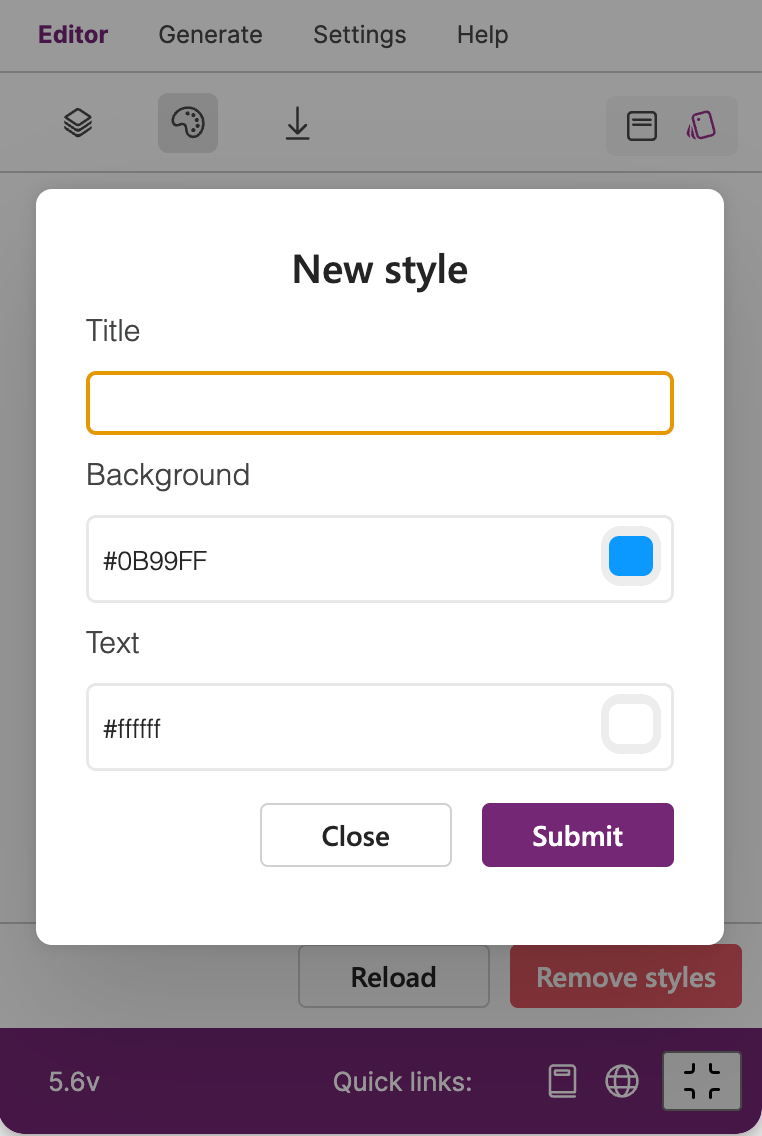
You can specify background and text colour tokens for your favourite style stored in local storage.
Add Typography token
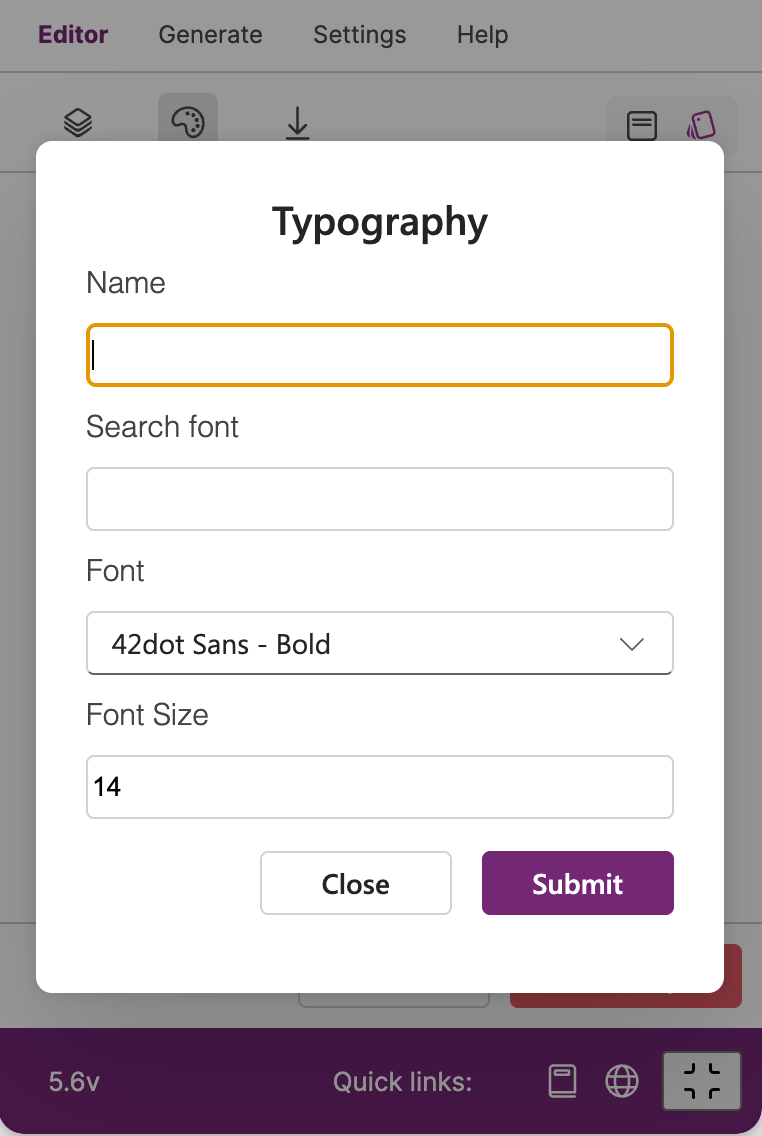
This token is great to save favourite fonts for title, subtitle or paragraph labels into your Power Apps screens.
Add Spacing token
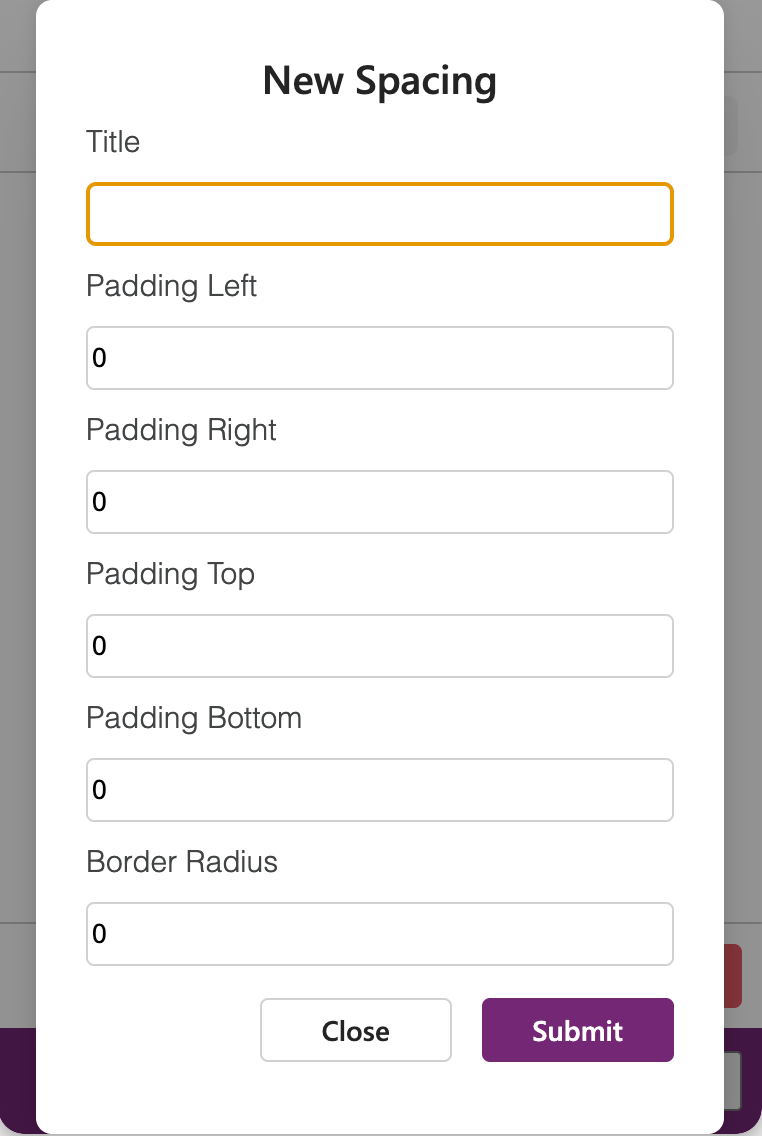
If you use favourite spacing, why not save them and use them into your projects.
Add Effects token
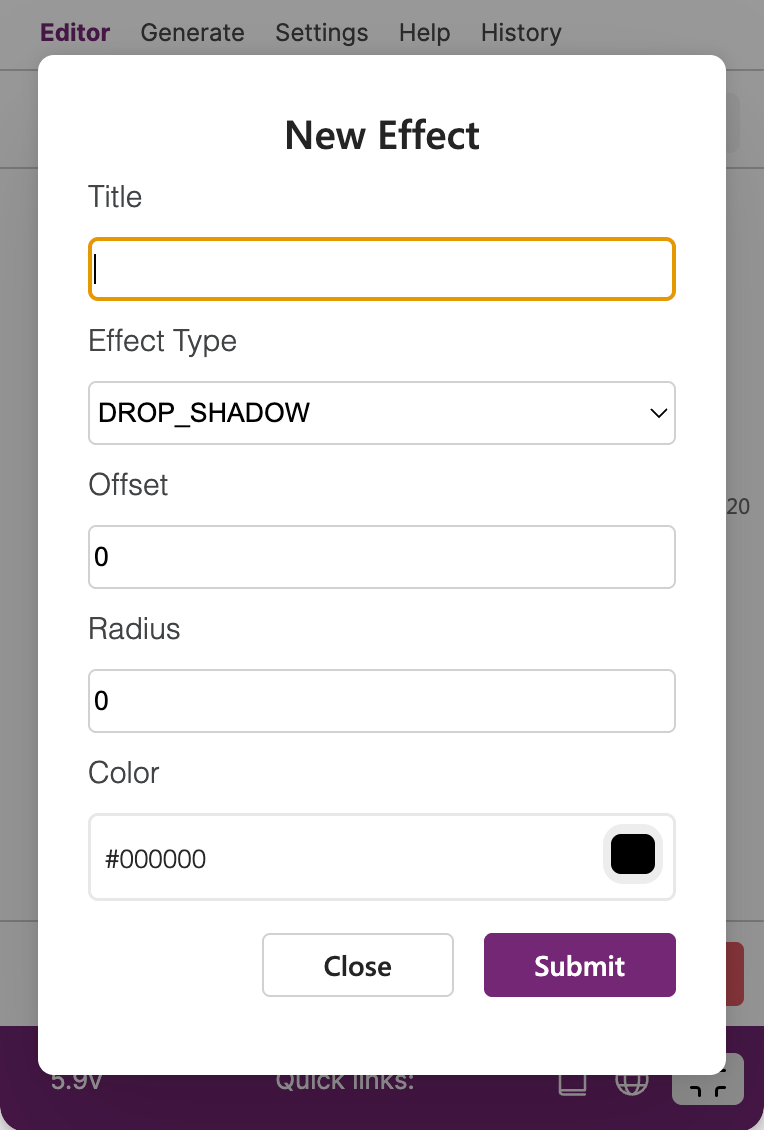
It gives you the possibility to save your favourite effects for frames in Figma to the local storage.
Remove Styles
On the bottom action panel you can see 2 action buttons - Reload and Remove styles. Reload button will refresh all saved styles. If you click on the “Remove styles“ button, you can delete all saved styles - Colours, Typographies, Spacings.
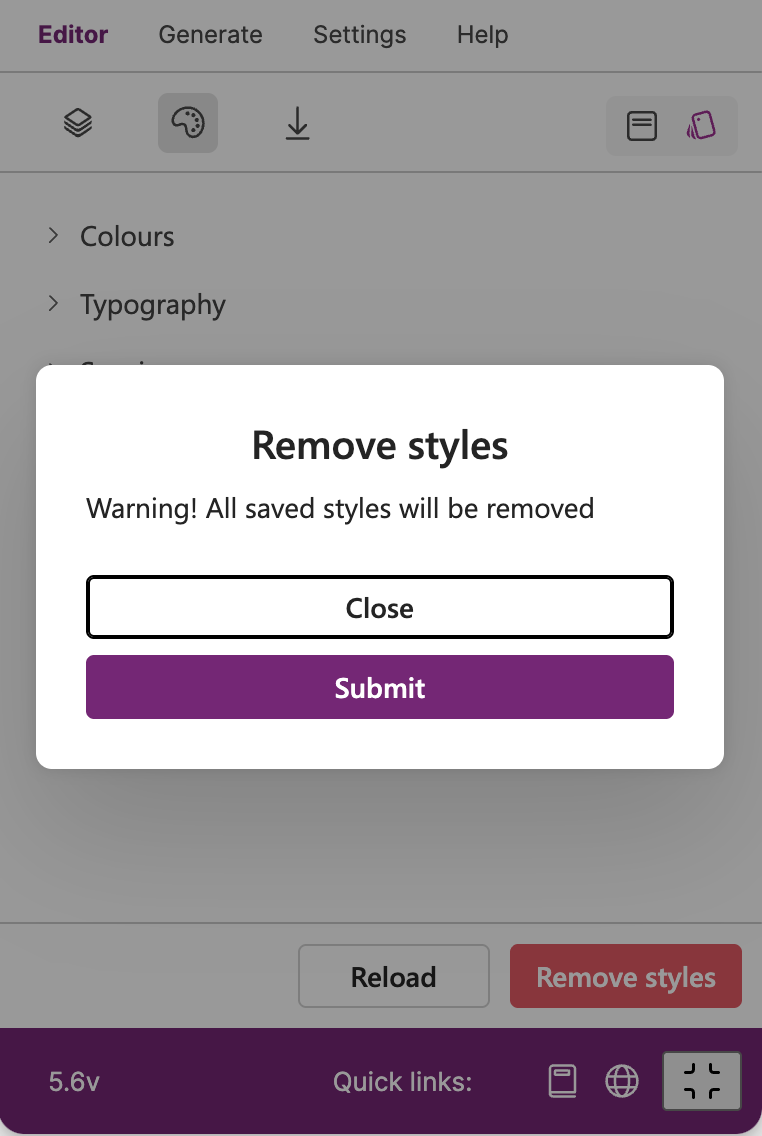
REMEMBER!!! - if you uninstall Figma desktop version, all styles will disappear from the Power Apps for Figma plugin.