NEW
AI agent connected to GPT-4-MINI
Custom chart connection to MakeMeChart API
IMPROVEMENTS
HTML import improved
Compile improved for suffixes
PREVIEW

September 6th, 2026
New
Improved
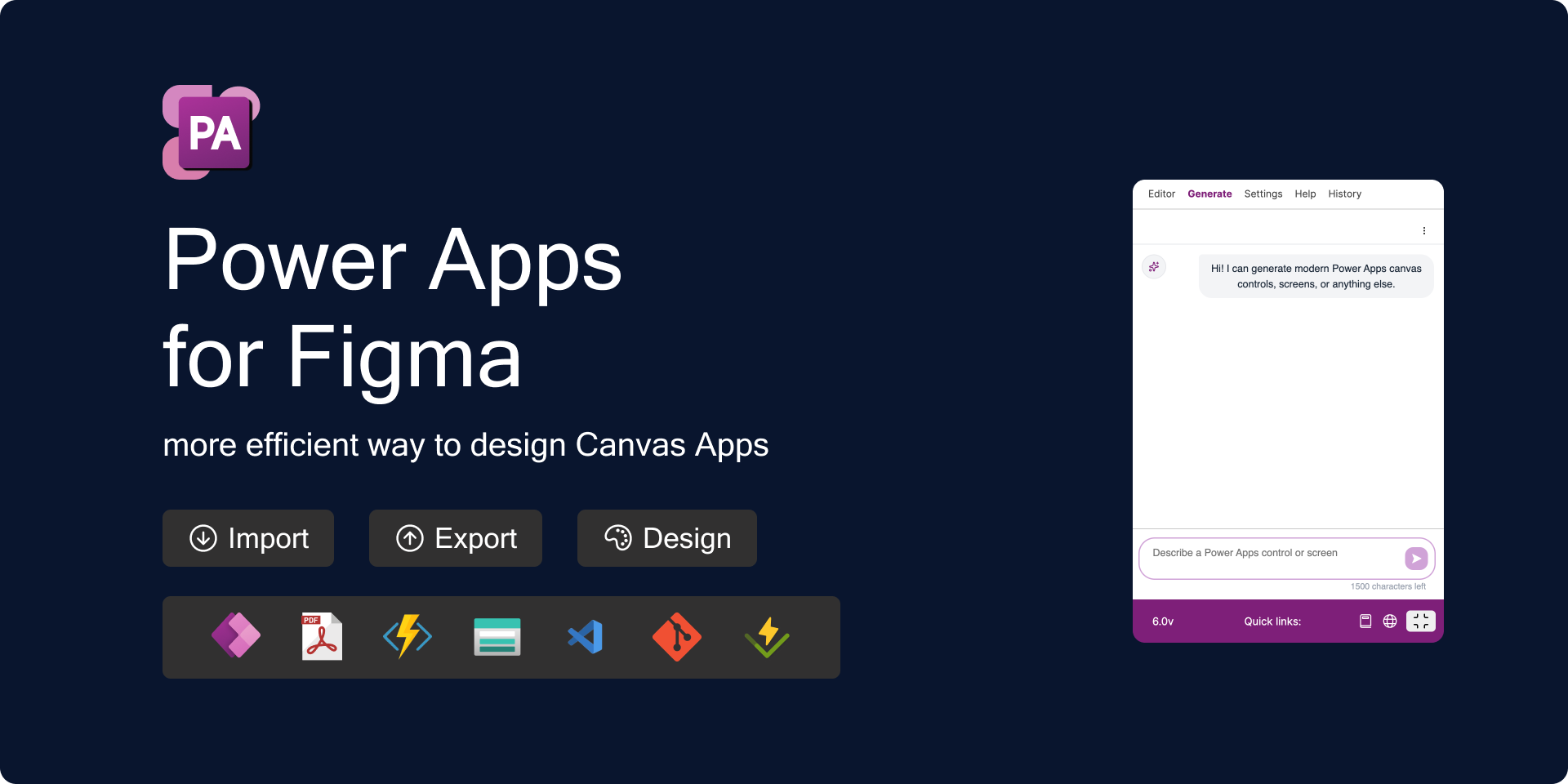
AI agent connected to GPT-4-MINI
Custom chart connection to MakeMeChart API
HTML import improved
Compile improved for suffixes
August 14th, 2026
New
Improved
Fixed
Effects token in styles
New suffix - Flex
Chart generator
New languages - Italian and French
Button icons for modern button menu item
Layout for Containers reflection in YAML code according to suffix
Button layout for icon before/after fix
History report with wrong months

July 24th, 2026
Design token - shadows
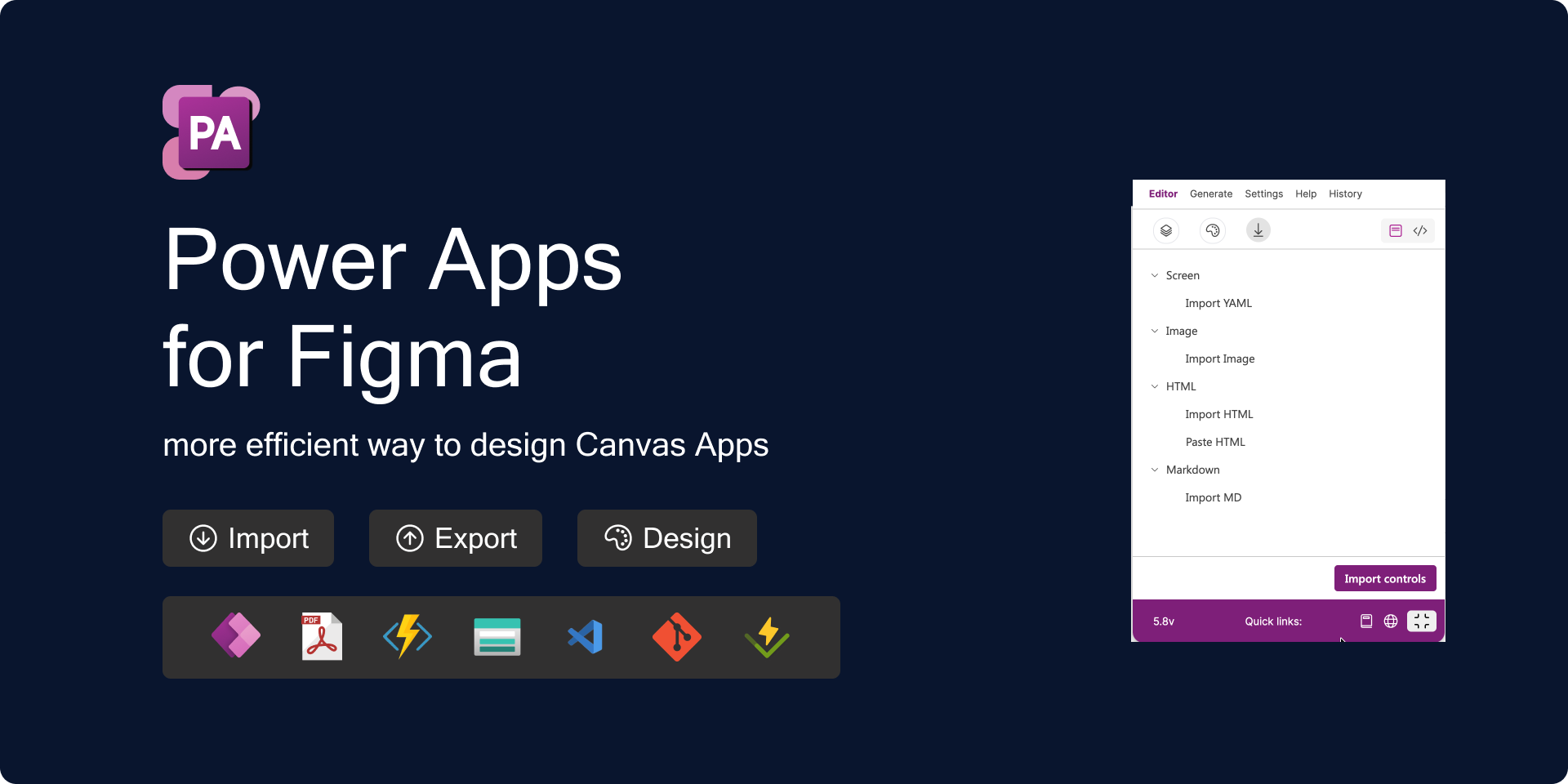
Import HTML file to Figma
Paste HTML code to Figma
Import MD file to Figma
AI Chat(alpha) - charts components
Make mandatory/option text input field
Inherited parent naming rewrites


July 17th, 2026
New
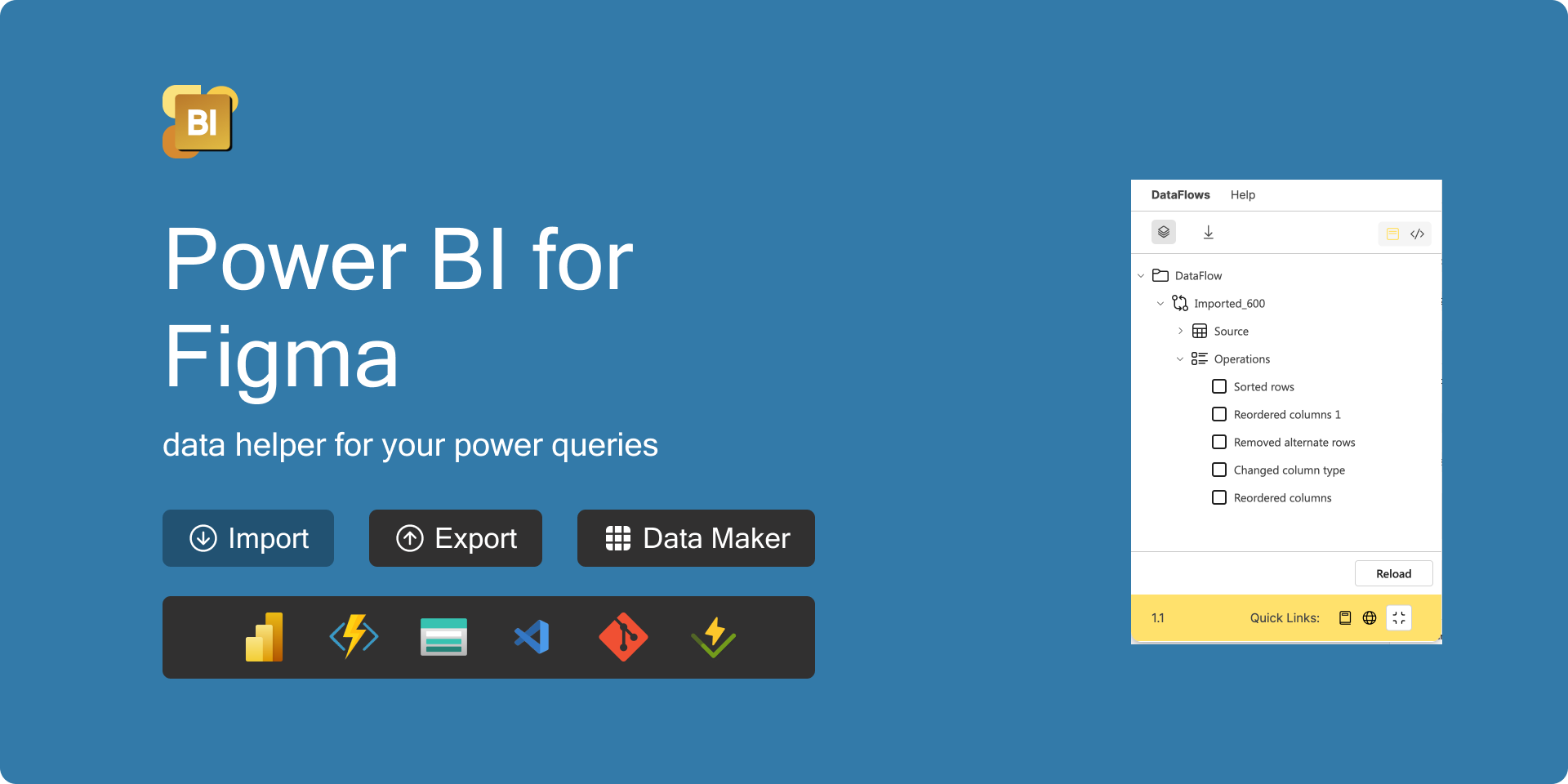
More Power M Query operations
Add Dataflow action
List of used operations in Dataflow
Remove DataFlow from Figma

June 18th, 2026
New
Improved
Fixed
Bulk updater for naming, prefixes, suffixes
Report analysis tab - imports, exports, prompts
YAML Diff Viewer - compare differences and possibility to copy to clipboard previous version
Quick menu in minimised UI
Improve warning dialog - category selection and repair all same naming at one click
AI chat (alpha) - new custom controls - Header, Menu, Card, Calendar
Help tab improvements
Importing to Power Apps from Figma
FluidGrid supported in importing YAML snippet
Translate label in Editor for PT language is missing
Properties manager - we are preparing a new functionality close to Power Apps
Dependency Model - we are preparing new version that will be included in Export to PDF
June 3rd, 2026
New
Improved
Design Tokens - typography with font size, spacing with padding and radius
Random colour and typography for themes
Import Base64 text in import tab
Default translation language
Copy as new translated screen(s) checkbox
May 20th, 2026
New
Improved
Fixed
Last bunch of Fluent 9 icons
AI chat (Alpha)
Improved UI
New icons for Editor
Copy to clipboard replaced by other library
Import Base64 image from Power Apps in Figma
Fill property in Star control supported
ModernButton replaced by Button in YAML exporter
Copied to clipboard notify text added
Mixed coloured text in Figma text node fixed in Editor builder
April 24th, 2026
New
Improved
Fourth bunch of Fluent 9 icons
Add Control to component
Copy to clipboard YAML code of control in menu
Swap icon also for Fluent 9
Supported suffix visualisation in Help tab
Repair repeated names improved
Visualisation of selected controls improved
April 12th, 2026
New
Improved
Fixed
NEW
Fluent9 icons - third bunch of icons
New UI icons for builder tree
Copy to clipboard YAML code for Screen in menu item
IMPROVEMENTS
Multiple selection of icons
Pasting icons in selected frame improved
Gap property automatically calculated in responsive frame for YAML viewer
Label of import controls changed to “Import controls“
List of supported chart prefixes added in Help tab
FIX
Performance of plugin improved
Font reducto repaired for Button control
Missed new combobox “ItemDisplayText“ property
March 29th, 2026
New
Improved
Fixed
Fluent 9 icons - Second bunch of Icons
New custom components - Dialogs
OnSelect and Items value saved during importing from Power Apps
Change style on selected Component/Instance
Border style covered during importing from YAML snippet
FontWeight property included in export to YAML
Validation for imported YAML file applied
Property manager removed