AI Chat (beta)
How to use AI chat in Power Apps for Figma
Written By Lukas Pavelka
Last updated 16 days ago
This function is visible only in PRO version!!!
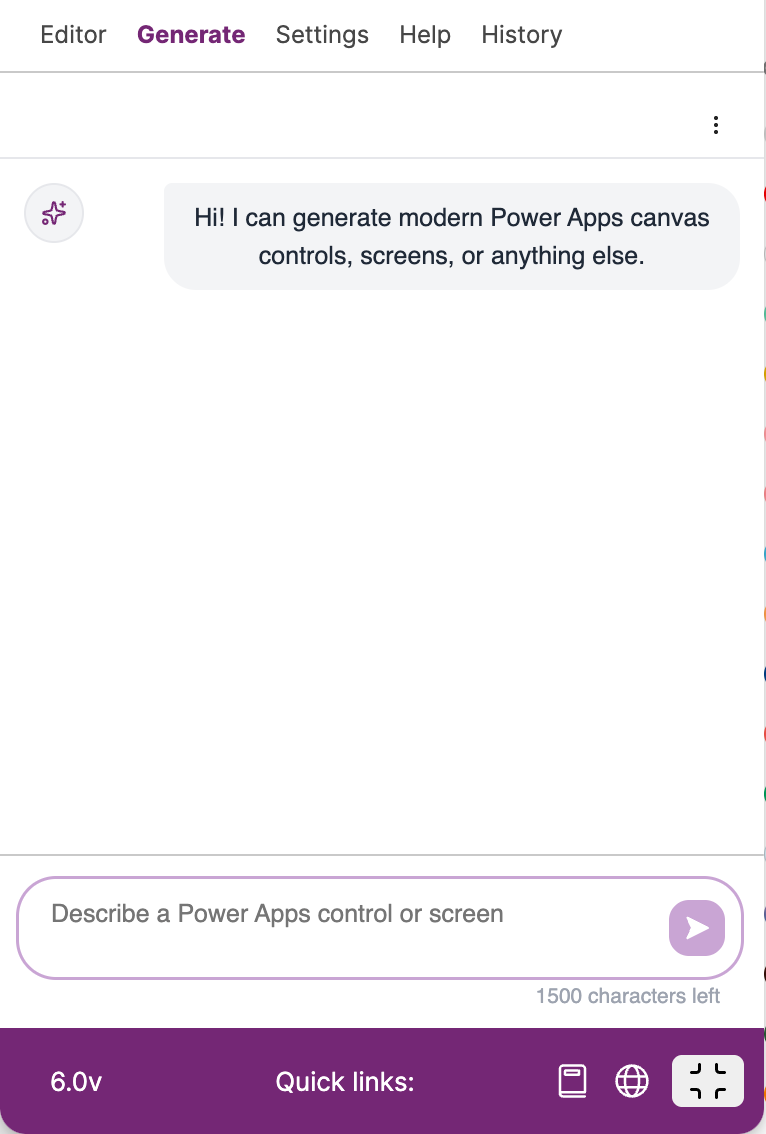
History in chat is saved only if you do not close and reopen plugin again. You can reach your previous prompt if you press up arrow in your keyboard.
Supported Actions
AI chat supports these features:
Clear chat menu item
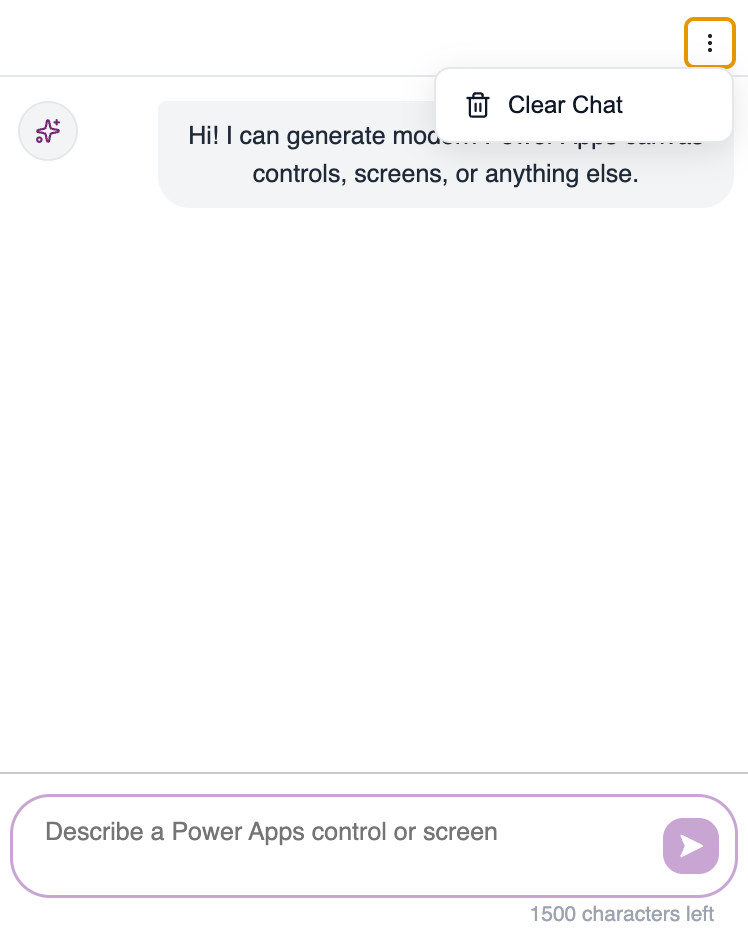
How to execute prompt
The plugin is connected to OPENAI API that uses GPT-4-MINI model. Easily enter your prompt (maximum 1500 characters) and press enter or clic on arrow button.
Prompt
ExampleDesign an authentication system interface using atomic design principles, creating a cohesive system of components that scales from basic elements to complete authentication flows. Use a professional colour palette with clear primary and secondary colours for different states and actions, maintaining consistency across all authentication touch points. Implement smooth micro-interactions that provide clear feedback - form fields that validate in real-time, progress indicators that show authentication steps, and success/error states that animate naturally. Create UI components following atomic design hierarchy - from atoms (input fields, buttons, icons) to molecules (form groups, social login buttons) to organisms (complete login forms, signup flows) to templates (layout structures) to pages (full authentication views). Include consistent spacing, typography, and visual feedback systems that work together to create a trustworthy authentication experience. Design interactive elements that guide users through the authentication process - smart defaults, helpful validation messages, and clear error recovery paths. Structure the authentication flow to be both secure and user-friendly, with clear progress indicators and escape hatches at every step. The overall experience should feel professional and trustworthy while remaining efficient and easy to use, using atomic design to create a systematic and scalable authentication interface that works across different devices and contexts
After executing the prompt, the plugin will show you the result in Figma file. Then, you can click on “Compile“ button to get prefixes for exporting your design to Power Apps.
Keep in mind that we analyse number of used tokens by users to use more efficient AI models in the future! If you have any questions, feel free to contact us.