Theme Editor
Written By Lukas Pavelka
Last updated 2 months ago
Power Apps for Figma plugin operates with 3 design tokens - container colour, label colour, and typography.
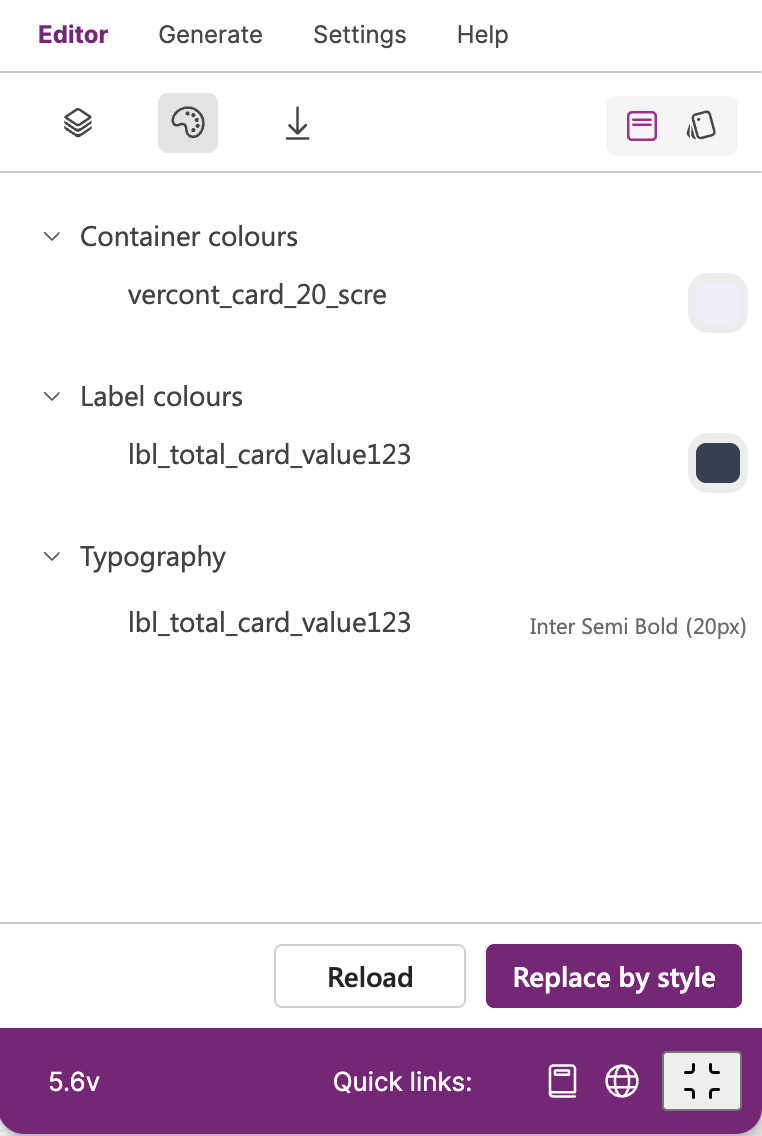
Every of these tokens represents values of selected types in Figma file.
Container colours - shows background colours of selected Frame in Figma with ‘cont_‘ ‘horcont_‘, ‘vercont_‘, or ‘gridcont_‘ prefix
Container shadows - shows effects of selected frame in Figma with ‘cont_‘ ‘horcont_‘, ‘vercont_‘, or ‘gridcont_‘ prefix
Label colours - shows frontend colour of selected Text node in Figma with ‘lbl_‘ or ‘lblpcf_‘ prefix
Typography - shows a font family of selected Text node in Figma with ‘lbl_‘ or ‘lblpcf_‘ prefix
Every of these tokens has extra actions. Let me present these actions for every token.
Container Colours
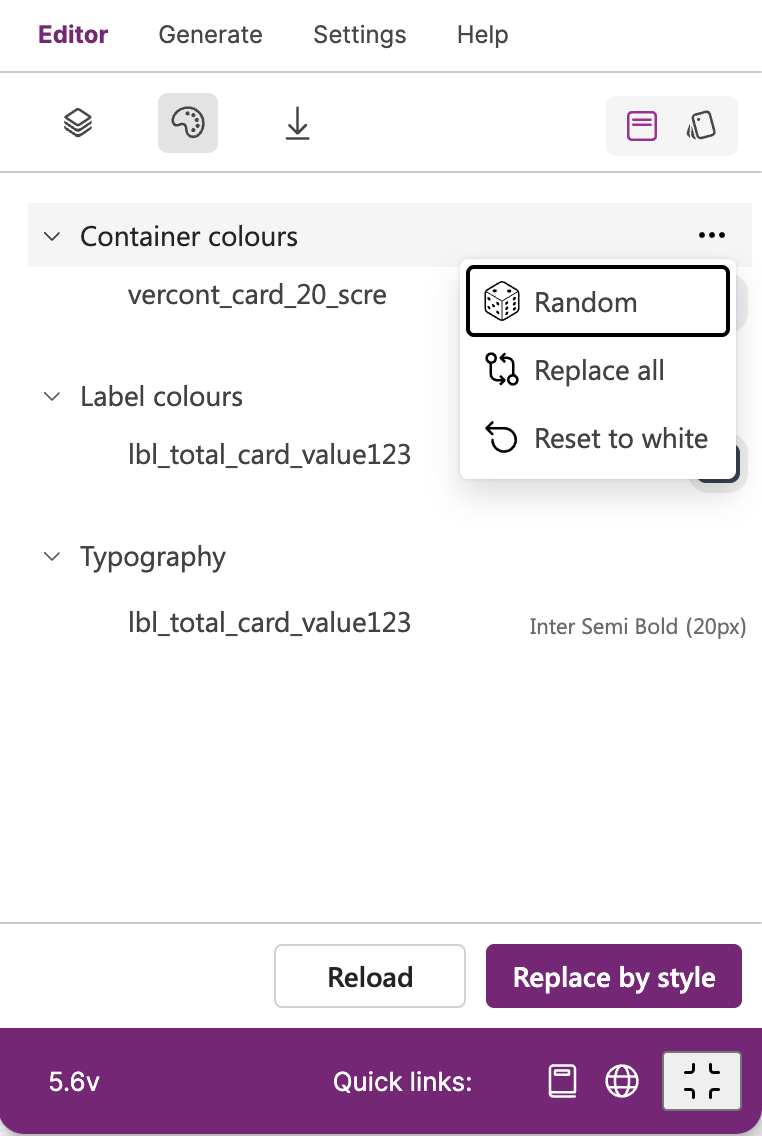
Random - applies random colour similar to used colour of a selected Frame control in Figma
Replace all - replaces all background colours by chosen colour in opened dialog
Reset to white - change background colour to white
Container Shadows
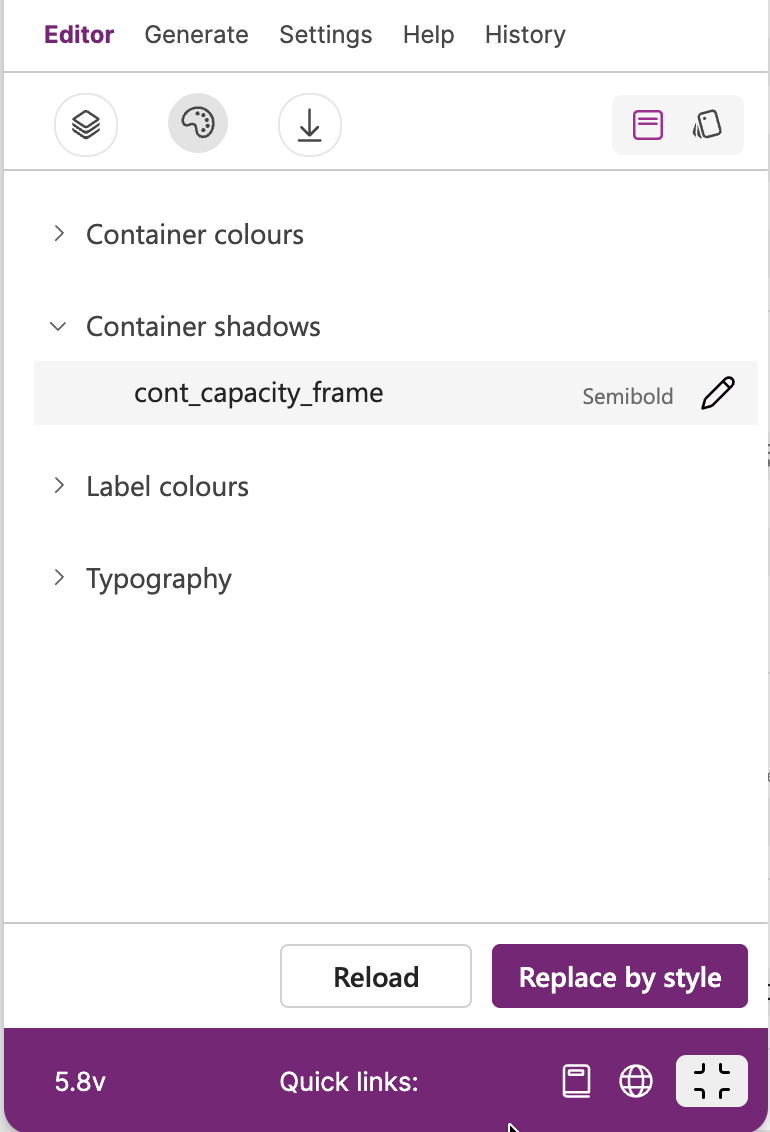
Edit - edits selected container with possibility to change effects in Figma that it is reflected in YAML code automatically
Label Colours
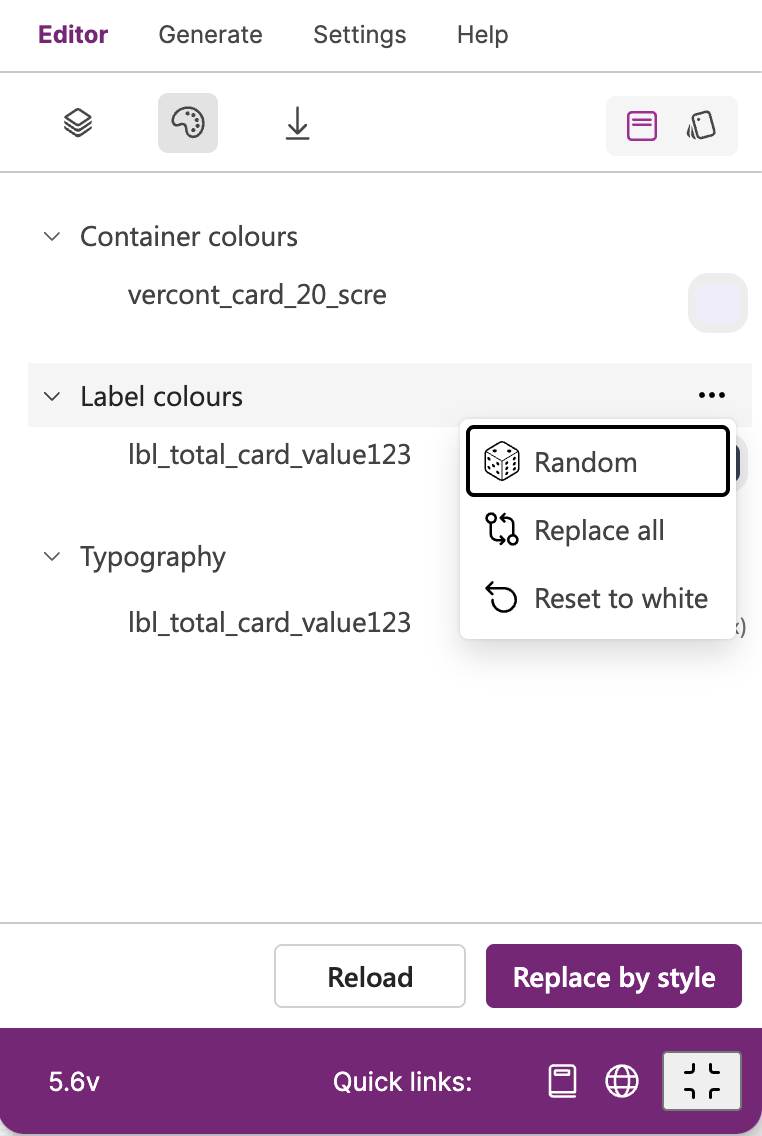
Random - applies random colour similar to used colour of a selected Text control in Figma
Replace all - replaces all frontend colours by chosen colour in opened dialog
Reset to white - change frontend colour to white
Typography
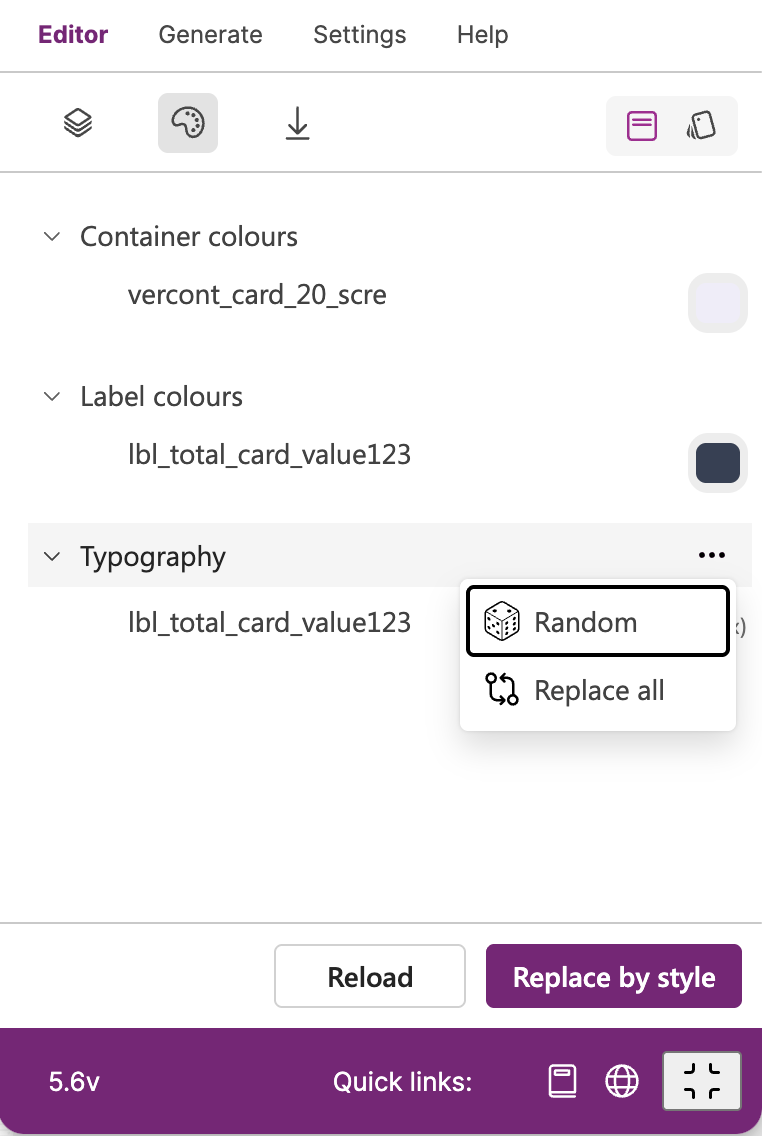
Random - applies random font family similar to used font family of a selected Text control in Figma
Replace all - replaces all fonts by chosen font family in opened dialog
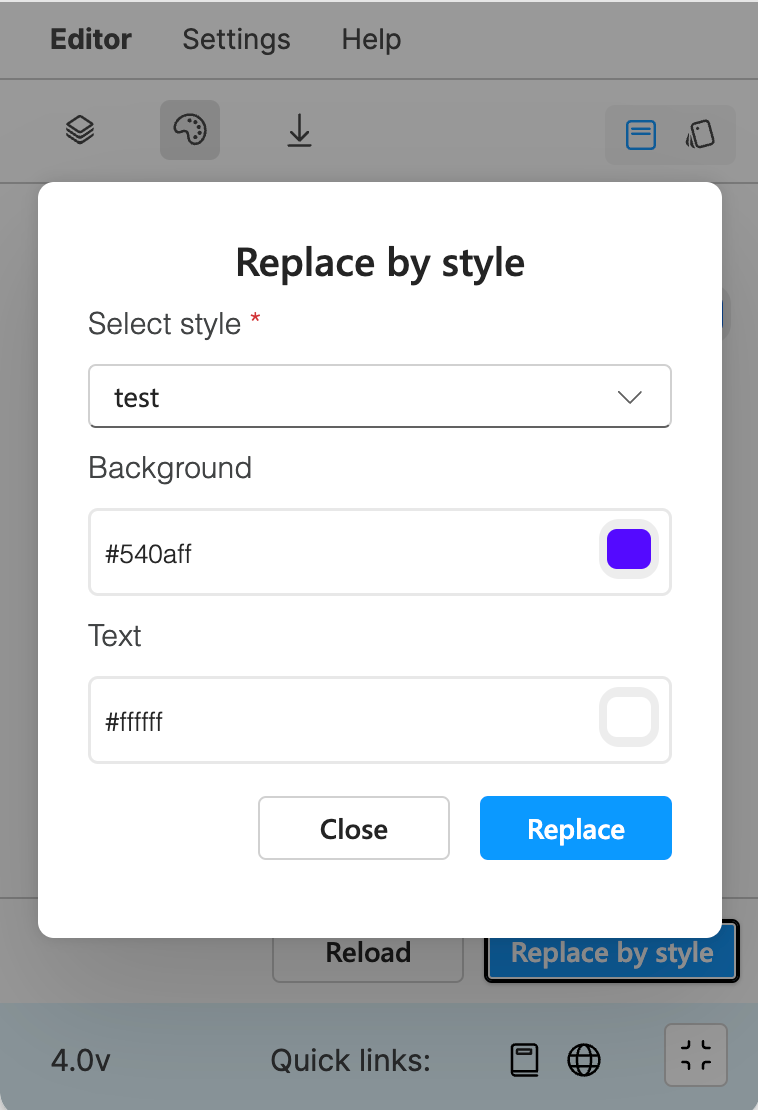
Replace by style
This feature is only available in PRO version
Thanks to this feature a user can change all background and text colours of selected Frame and Text controls by chosen style.