Release Notes
List of releases
Written By Lukas Pavelka
Last updated 20 days ago
All versions marked with PRO have been only applied in the PRO version
more info about the PRO version can be found here
If you see FREE before the version name, the feature or defect has been applied for both versions
Release 6.0
Here are few highlights:
AI agent connected to GPT-4-MINI
Custom chart connection to MakeMeChart API
HTML import improved
Compile improved for suffixes
Release 5.9
Here are few highlights:
Effects token in styles
New suffixes - Flex Width, Flex Height
Chart generator
Button icons for modern button menu item
Release 5.8
Here are few highlights:
Design token - shadows
Import HTML file to Figma
Paste HTML code to Figma
Import MD file to Figma
AI Chat(alpha) - charts components
Make mandatory/option text input field
Inherited parent naming rewrites
Release 5.7
Here are few highlights:
Bulk updater for naming, prefixes, suffixes
Report analysis tab - imports, exports, prompts
YAML Diff Viewer - compare differences and possibility to copy to clipboard previous version
Quick menu in minimised UI
FluidGrid supported in importing YAML snippet
Release 5.6
Here are few highlights:
Design Tokens - typography with font size, spacing with padding and radius
Random colour and typography for themes
Import Base64 text in import tab
Default translation language in Settings
Copy as new translated screen(s) checkbox
Release 5.5
Here are few highlights:
Last bunch of Fluent 9 icons
AI chat (Alpha)
New icons for Editor
Copy to clipboard replaced by other library
Import Base64 image from Power Apps in Figma
Release 5.4
Here are few highlights:
Fourth bunch of Fluent 9 icons
Add Control to component
Copy to clipboard YAML code of control in menu
Release 5.3
Here are few highlights:
New UI icons for builder tree
Copy to clipboard YAML code for Screen in menu item
Fluent 9 icons - Third bunch of icons
Chart prefixes added in Help tab
Release 5.2
Here are few highlights:
New custom controls - Dialogs
Fluent 9 icons - Second bunch of icons
Release 5.1
Here are few highlights:
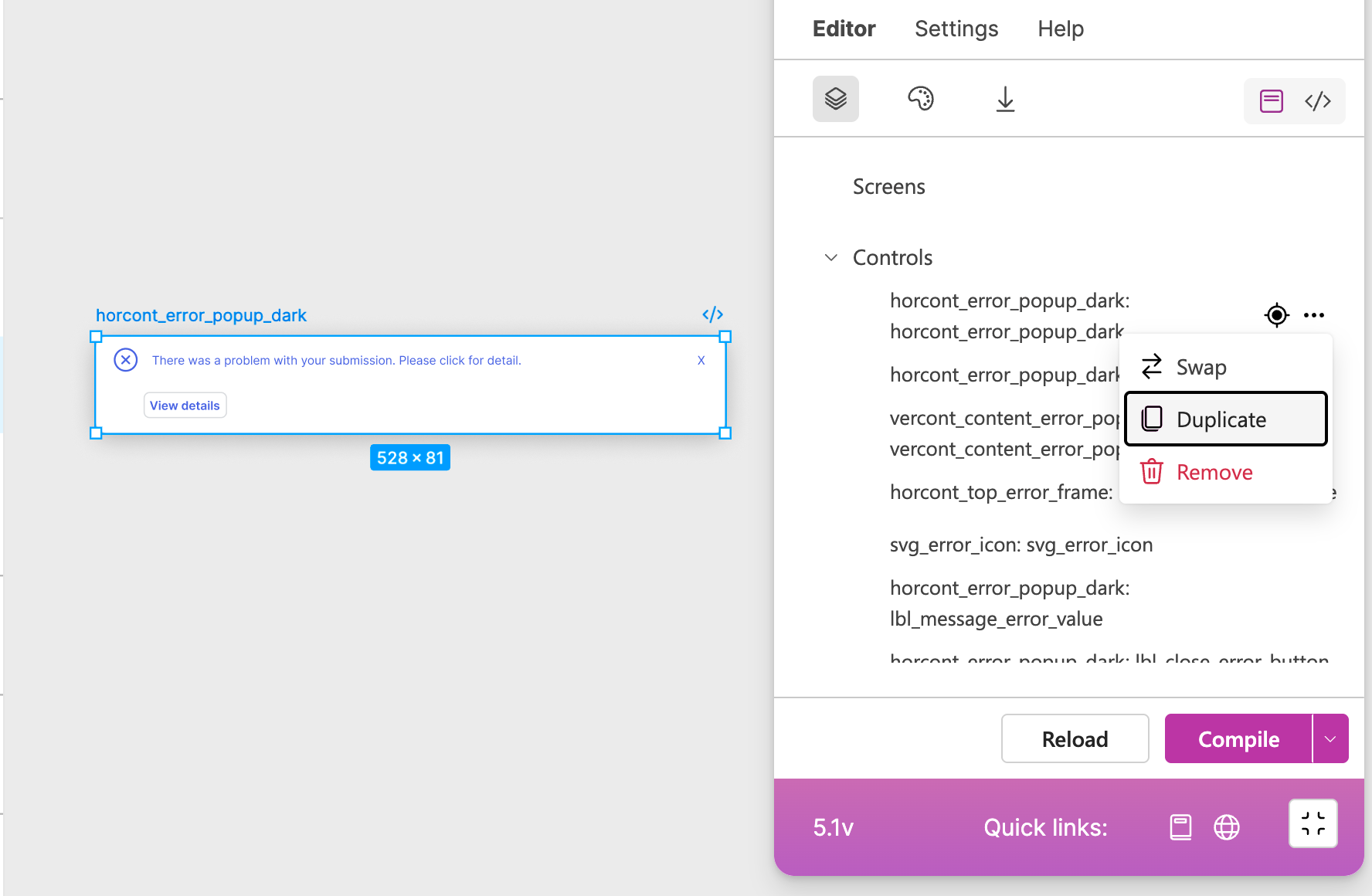
Duplicate Control
new control - search control
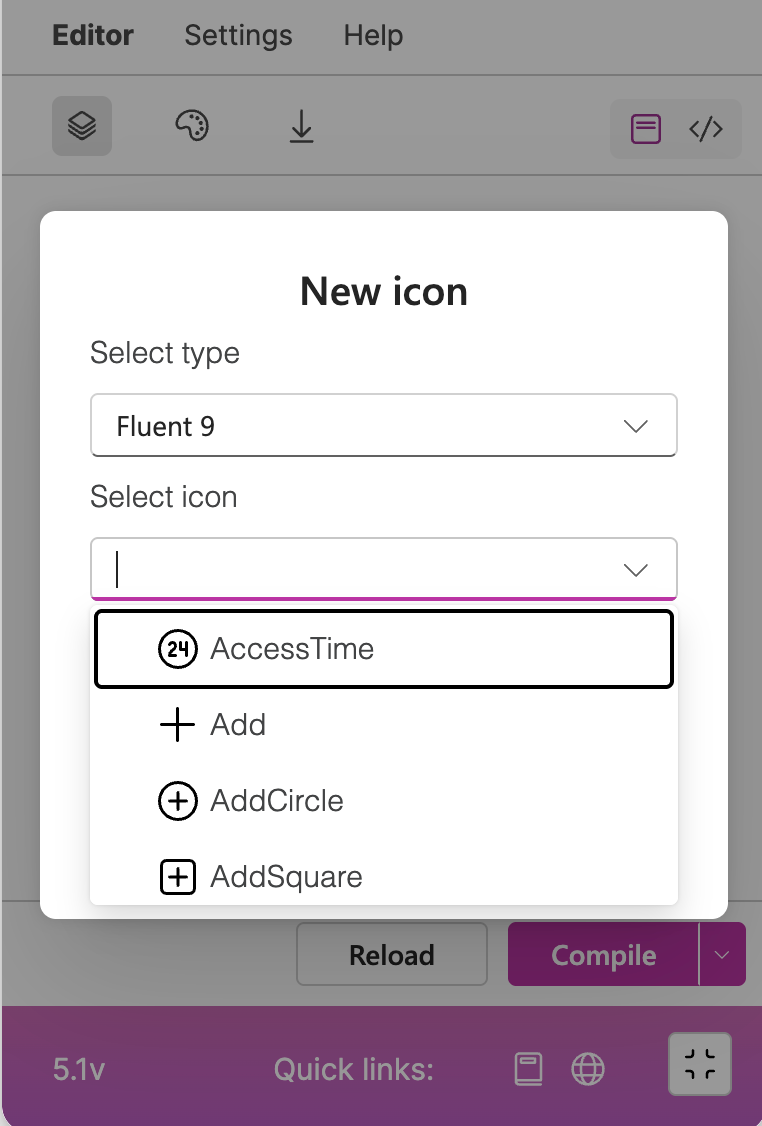
Fluent 9 icons - First bunch of icons
What's in the release?
➡️ PRO - duplicate control
🆕 New control - search control

💡Fluent 9 icons - First bunch of icons
Release 5.0
Here are few highlights:
New suffixes - FH (fixed height), FW (fixed width)
New control - Horizontal menu
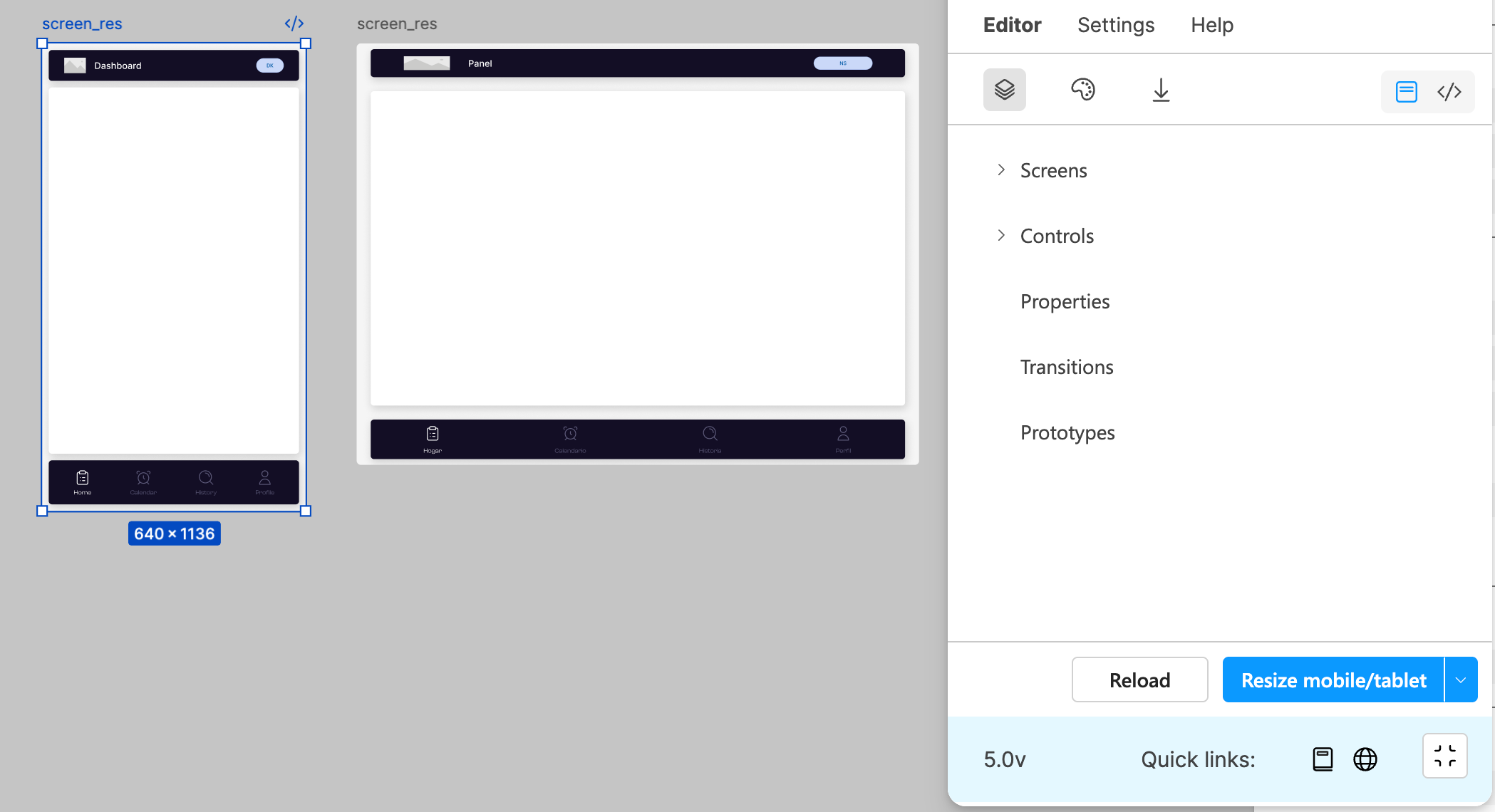
Resize layout
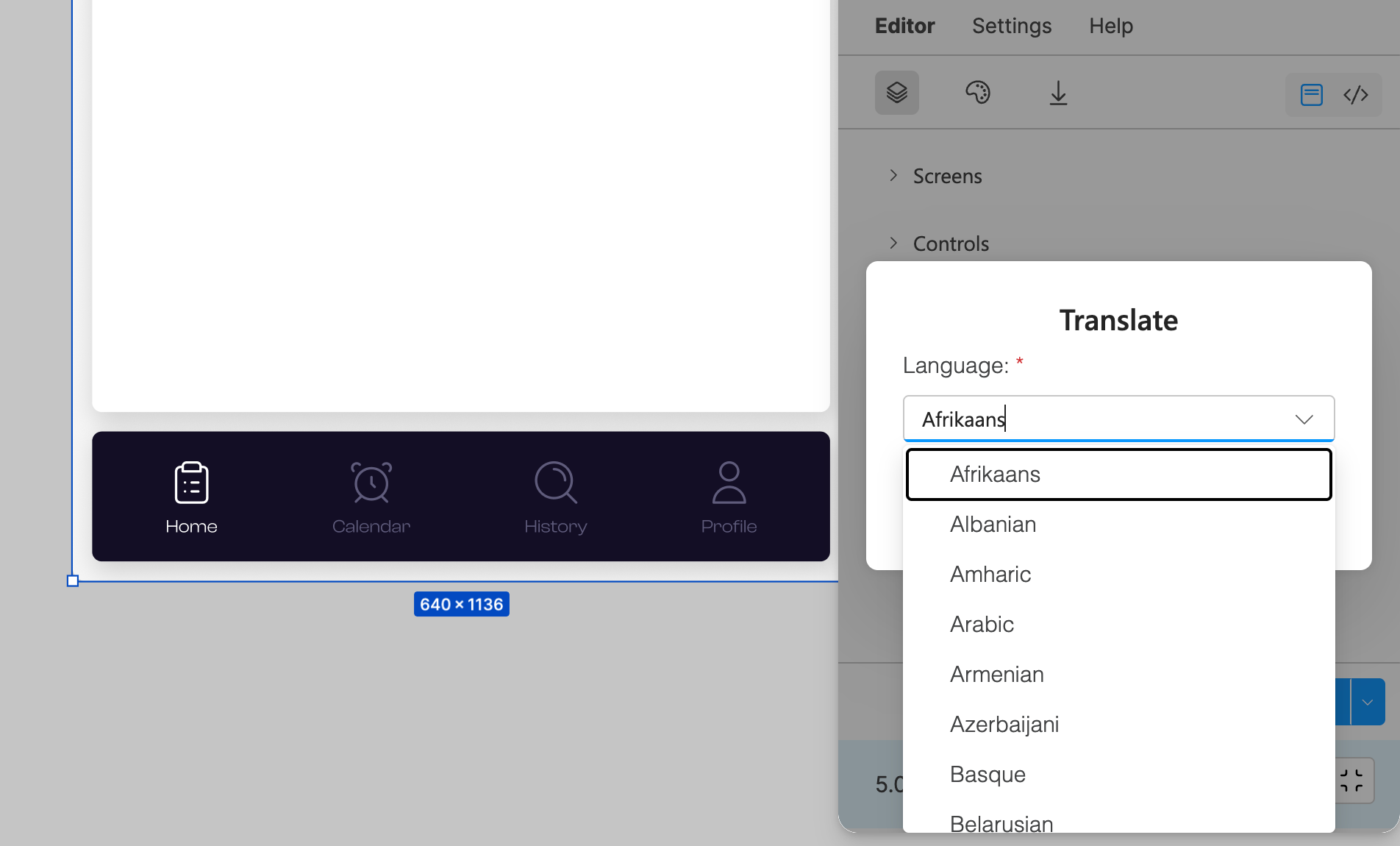
Translation of selected screen(s)
What's in the release?
↔️ PRO - Resize to tablet/mobile layout
In Figma file you can select screen and through the “Resize mobile/tablet“ button resize it to tablet or mobile.
🔈PRO - Translation
Plugin is able to translate your selected screen(s) into 108 various languages.
Other feature additions
PRO - new horizontal menu control
PRO - pasting control(s) into selected frame
PRO - generate prefixes button improved with auto adding FH, FW suffixes
Release 4.0
Here are few highlights:
NEW UI
Property Manager
Prototype Manager
Multi language
Paste in Screen property
What's in the release?
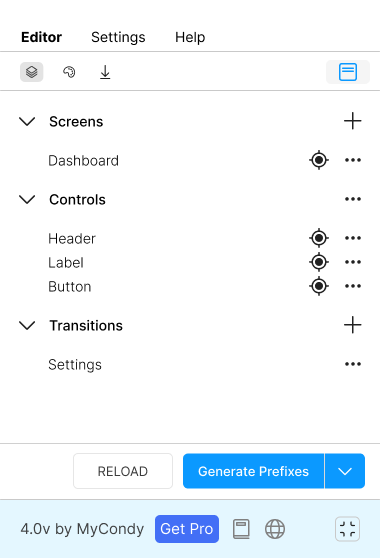
🪄 FREE & PRO - NEW UI
Loading of selected frames in Figma has been strongly improved. Now, you can see parsed every control of selected screens. In PRO version you can add properties and prototypes for your selected screens.
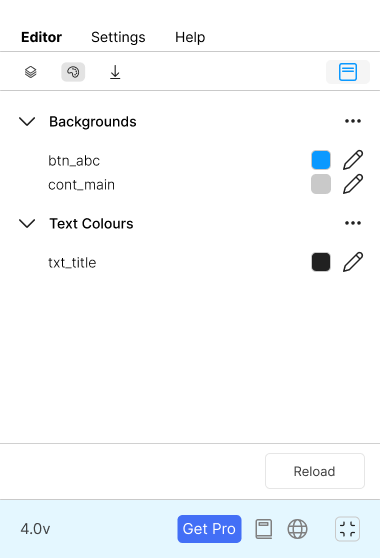
🎨 FREE & PRO - Theme Maker
In this version you can manipulate with background and text colour for every selected control in your designed screen. In PRO version you can save your favourite styles.
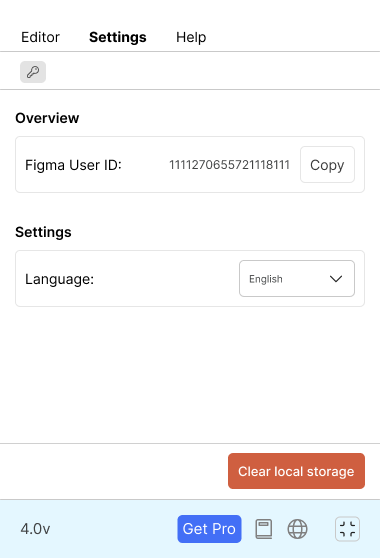
🗂️ FREE & PRO - Multi language
The plugin has been translated to several languages, like Czech, English, German, Spanish, Portuguese language.
Other feature additions
FREE - Add Power Apps Icon
PRO - Import control under selected screen.
PRO - Export multiple screens in YAML